
Export simulation models. Integrate anywhere. Collaborate with confidence.
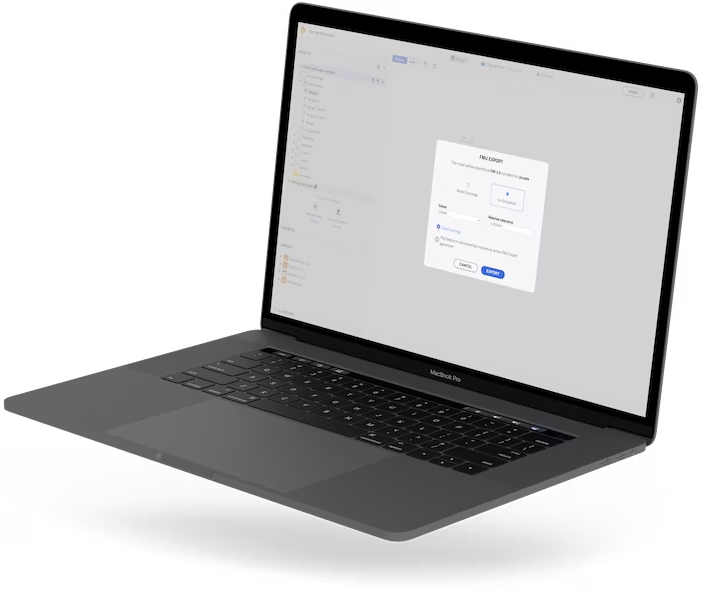
The FMU Export Add-on for Modelon Impact enables you to export models as Functional Mock-up Units (FMUs) using the industry-standard Functional Mock-up Interface (FMI) format for deployment and execution in external tools and environments.
Whether you’re collaborating across teams, integrating with third-party platforms, or delivering simulation models to customers and suppliers, the FMU Export Add-on makes it easy to move simulation capabilities beyond Modelon Impact.
Why Do You Need FMU Export?
Engineering teams rarely work in a single software environment.
Control engineers use one tool. System architects use another. Test teams use hardware-in-the-loop platforms. Customers and suppliers may use entirely different simulation ecosystems.
Without a standardized exchange format, simulation models often must be rebuilt, revalidated, or maintained in multiple tools.
The FMU Export Add-on eliminates that challenge by allowing you to package your Modelon Impact models as portable, executable FMUs based on the FMI standard.
With FMU Export, you can:
- Share simulation models across different engineering tools
- Integrate physics-based models into larger system workflows
- Support controls development, virtual testing, and digital engineering initiatives
- Deliver models to customers and partners without requiring access to Modelon Impact
- Preserve intellectual property through compiled binary model distribution
- Reduce rework and avoid rebuilding models in multiple environments
What does the FMU Export Add-on do?
The FMU Export Add-on provides access to Modelon Impact’s FMU export capability, enabling users to generate tool-independent binary FMUs for both Windows and Linux platforms free of any license checks.
These exported FMUs can then be deployed and executed in FMI-compatible simulation, controls, testing, and engineering environments.The FMU Export Add-on provides access to Modelon Impact’s FMU export capability, enabling users to generate tool-independent binary FMUs for both Windows and Linux platforms free of any license checks.
These exported FMUs can then be deployed and executed in FMI-compatible simulation, controls, testing, and engineering environments.
Key Benefits
Consistent Results
FMI is the native execution format used within Modelon Impact, helping ensure exported FMUs behave consistently with the original model.
Cross-Platform Deployment
Export FMUs for both Windows and Linux environments, giving teams flexibility across development, testing, and deployment workflows.
Truly Tool Independent
Exported FMUs do not require a connection to a simulation tool or licensing server, making them easy to distribute throughout the organization or supply chain.
Built on an Industry Standard
Modelon actively participates in the FMI ecosystem as a member of the FMI Steering Committee, helping advance the standard used across industries worldwide.

Common Use Cases
System Integration
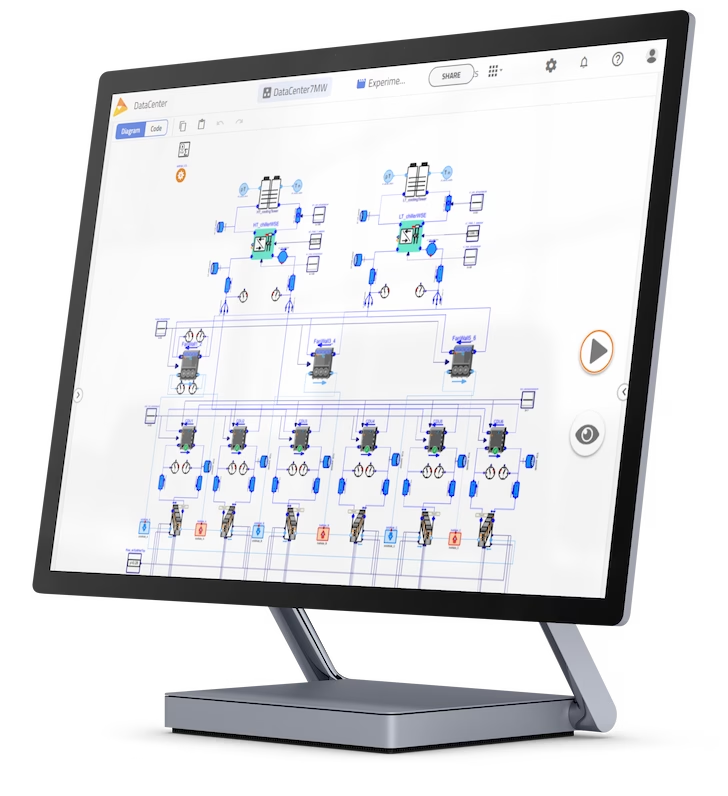
Integrate detailed subsystem models into larger multi-domain simulation environments.
Virtual Testing
Deploy Modelon Impact FMUs in Software-in-the-Loop (SiL) and Hardware-in-the-Loop (HiL) environments to validate control strategies earlier, uncover issues sooner, and reduce prototype testing costs.
Customer and Supplier Collaboration
Share executable models with external stakeholders without providing direct access to Modelon Impact.
Digital Twin and Simulation Workflows
Deploy trusted physics-based models into broader engineering and operational ecosystems.

Who is it for?
The FMU Export Add-on is ideal for:
- System simulation engineers
- Controls engineers
- Model-based systems engineering teams
- Digital engineering organizations
- OEMs and suppliers collaborating across toolchains
- Organizations standardizing on FMI-based workflows
Extend the value of your models.
Building a high-fidelity model is only part of the engineering journey. The real value comes when those models can be deployed, shared, and reused across teams, tools, and projects.
With the FMU Export Add-on for Modelon Impact, you can turn validated simulation models into portable engineering assets that fit seamlessly into your broader development ecosystem.
Export once. Integrate anywhere. Accelerate engineering decisions with confidence.